

- 4.4
- 586 ratings
- 217.04 MB
- Size
- 5,843
- Downloads
- Android 12.1+
- Android


About this app
Table of contents
In today’s digital landscape, a browser needs to be more than just a window to the web; it must be an intelligent assistant. The Opera browser with AI redefines mobile browsing by integrating powerful artificial intelligence directly into its core, offering a smarter and more efficient way to navigate online. This app is a perfect match for students, professionals, and any user seeking to enhance their productivity and content interaction on their Android device, turning routine searches into insightful discoveries.
Intelligent Search and Summarization
The integrated AI assistant allows you to get concise summaries of lengthy articles or web pages with a single tap. This feature saves valuable time by distilling complex information into key takeaways, making it ideal for research or catching up on news. You can ask follow-up questions directly within the browser to deepen your understanding without ever leaving the page you are on.
Seamless Voice-Controlled Navigation
Interact with the web using just your voice for a truly hands-free browsing experience. You can command the AI to open new tabs, search for information, or even read a page aloud while you are multitasking. This voice-first approach enhances accessibility and provides a safer way to browse while on the move or when your hands are occupied with other tasks.
Enhanced Privacy with Built-in VPN
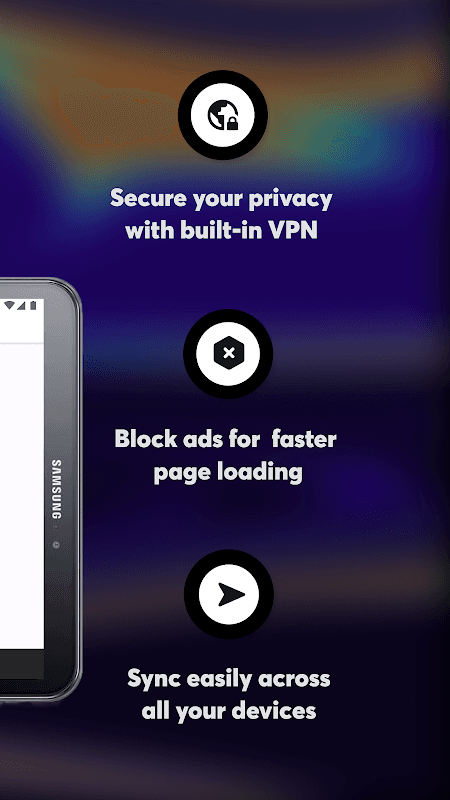
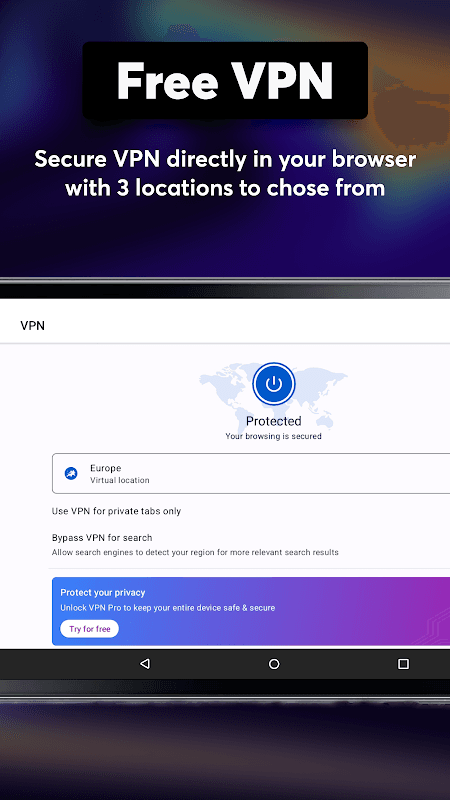
Opera includes a no-log, free VPN to protect your online privacy and secure your connection on public Wi-Fi networks. It encrypts your data and masks your IP address, preventing third parties from tracking your online activities. This built-in feature means you do not need to install a separate application to browse the web with an added layer of security and anonymity.
Smart Blocking of Intrusive Ads
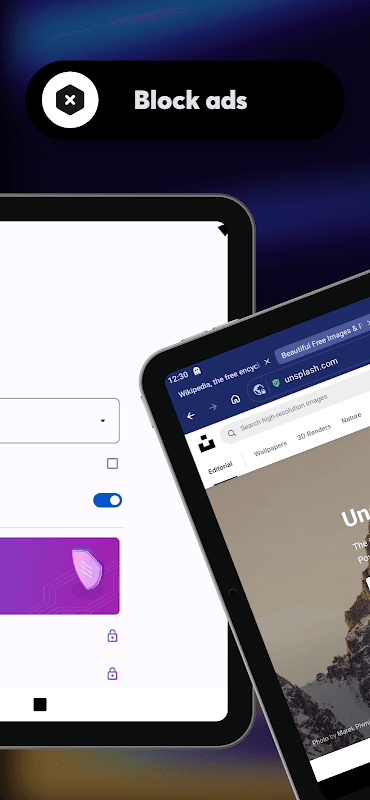
The built-in ad blocker speeds up your browsing by preventing intrusive advertisements from loading on websites. This results in faster page load times and a cleaner, more focused reading experience without distracting pop-ups and banners. It also helps conserve mobile data and extends your device’s battery life by reducing the processing power required to render ad-heavy pages.
Customizable News and Content Feed
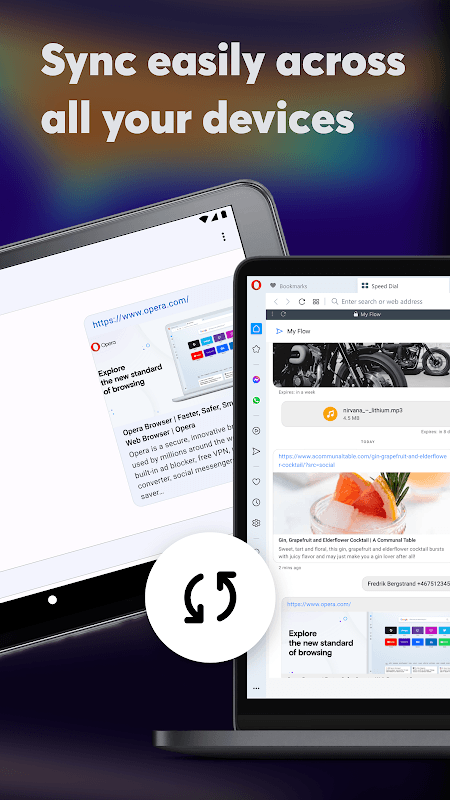
Your start page features a personalized news feed that curates stories based on your interests and browsing habits. The AI learns your preferences over time to deliver more relevant content, keeping you informed about topics that matter to you. This creates a unique and engaging homepage that is tailored specifically to your informational needs.
What’s new in 103.3.5234.91185
Thanks for choosing Opera! This version introduces a visual refresh of the product, rolling out in stages to ensure the design works well before reaching everyone. If you’re seeing the new look, we’d love to hear your thoughts!
More changes/additions:
- Chromium 154
- eSIM for travelers, now in the main menu
- Live score improvements
- Latest Chromium security updates (2026-11-05)
File information
- App name
- Opera browser with AI
- Publisher
- Opera
- Category
- Communication
- Version
- 103.3.5234.91185
- Size
- 217.04 MB
- Format
- XAPK
- Requires Android
- Android 12.1+
- Last update
- November 17, 2026
- Package name
- com.opera.browser
File checksum
Older versions
Installation
- Tap Download and wait for the file to finish downloading.
- Open the file from your Downloads folder.
- Use an installer that supports this file format.
Frequently Asked Questions
The AI acts as a smart assistant within the browser, capable of summarizing articles and answering your questions in real-time. This provides immediate context and deeper insights, transforming how you gather information and conduct research directly from your search results.
Yes, the VPN is completely free and integrated directly into the browser with no subscription fees or data caps. You can easily activate it from the settings menu to encrypt your connection and enhance your privacy without any additional cost or complex setup.
The ad blocker is designed to work across the vast majority of websites you visit, automatically preventing intrusive ads from displaying. This leads to a faster and less cluttered browsing experience, though you have the option to disable it for specific sites if needed.
 Opera Mini






Ratings and comments
0 comments